A store that looks like your brand
Pick a theme, set your colours and logo — and sell. Every key view is ready: home page, product list, product card, cart and checkout.
- 10 ready-made themes to choose from
- Your own domain with an SSL certificate
- A mobile version as standard
- Colours and typography matched to your brand
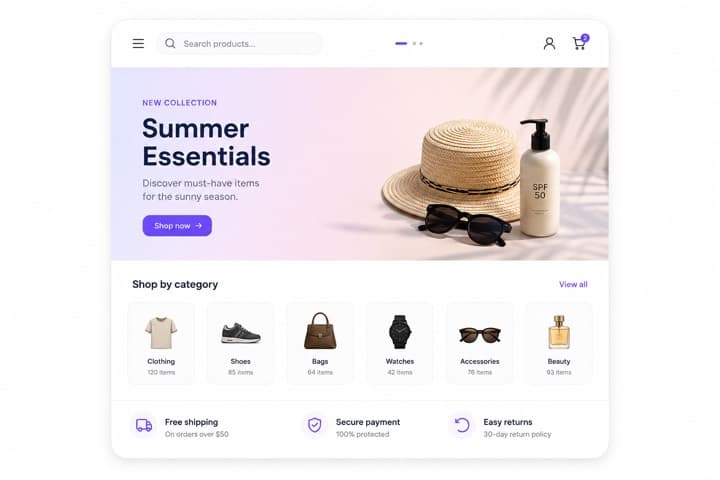
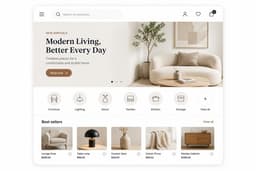
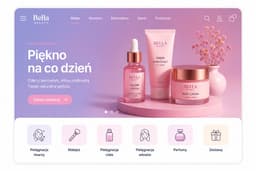
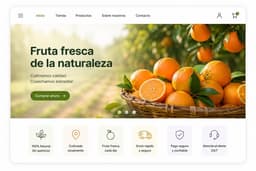 10 ready-made themes
What changes in your day-to-day work
Launch without an agency
No design brief, no weeks of waiting for an implementation. You adjust the theme in the panel — changes are visible immediately.
Consistent on every screen
Themes are designed phone-first, because that's where most of your customers buy. They look just as good on desktop.
A store that grows with you
Add new products, collections and information pages without changing the theme. The structure is ready for it.
How it works
The road from choosing a theme to a working store is short — most settings are visual decisions, not technical ones.
Choose a theme
Browse the ready-made themes and pick the one that fits your product range best.
Match your brand
Set the logo, colours and fonts in the panel, with a live preview of every change.
Connect your domain and sell
The store runs at your address with an SSL certificate. From that moment it collects orders.
Common questions
Yes. We connect the store to your domain together with an SSL certificate. If you don't have a domain yet, we'll help you choose and configure one.
See also
We'll walk you through the panel on a real store and answer your migration questions.